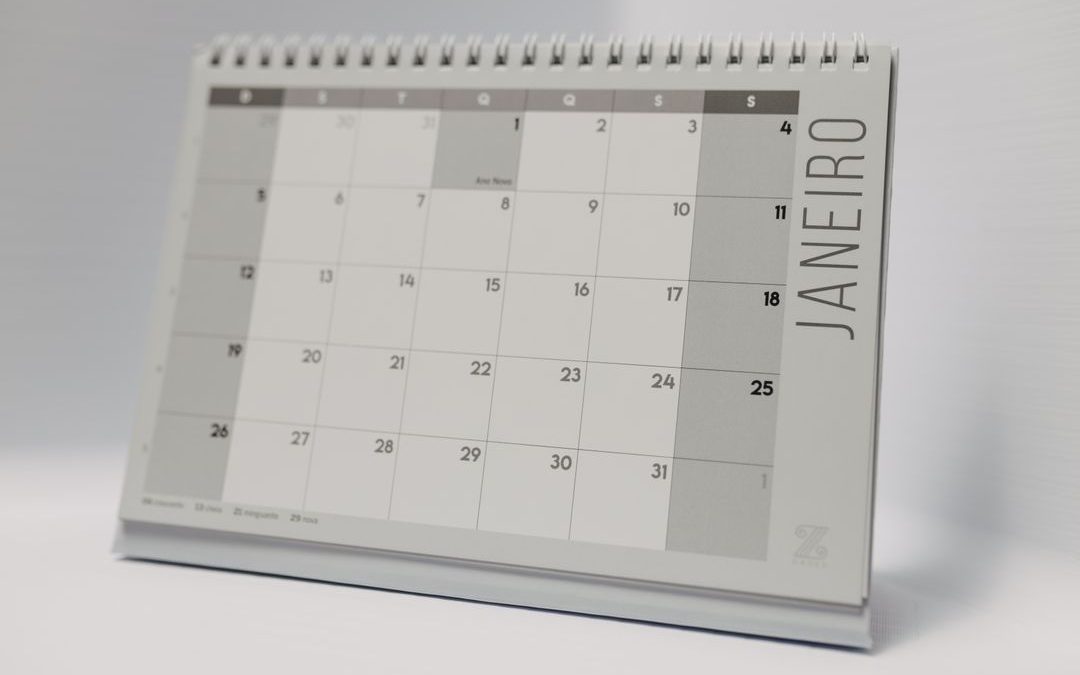
by Sophie Inkie | Sep 5, 2026 | news
Every year, thousands of businesses throw good money after bad on corporate gifts that disappear into bottom drawers, pencil tubs, or the recycling bin before January is even out. Branded plastic pens that run dry on day two, flimsy keyrings, and generic novelties...
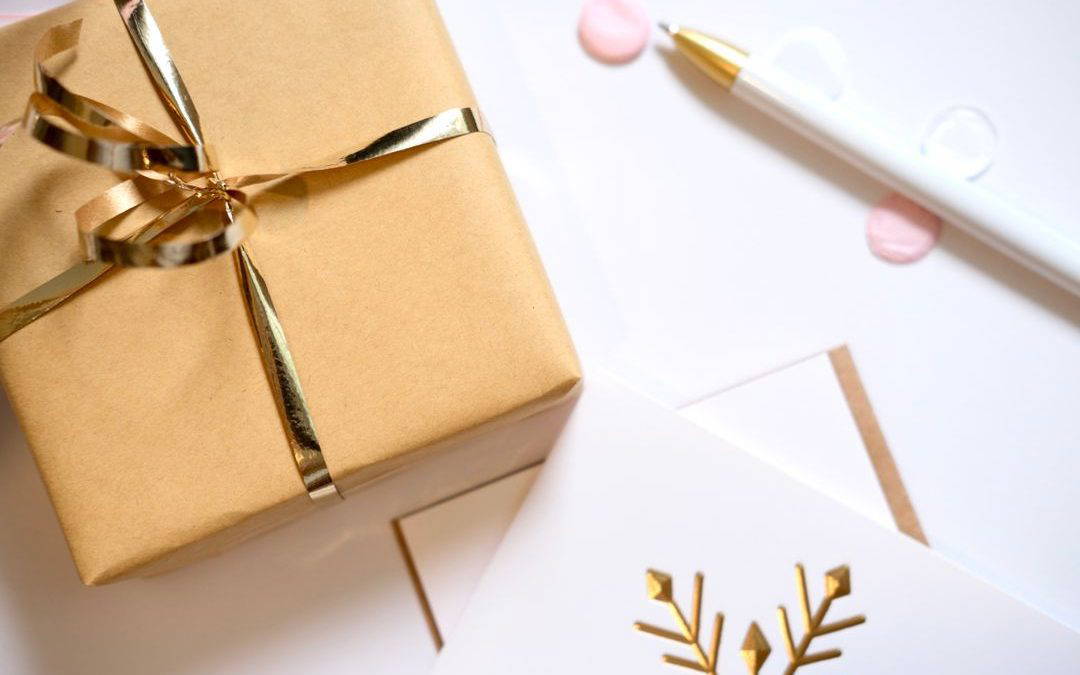
by Sophie Inkie | Sep 4, 2026 | news
Every December, offices across the UK witness a quiet, tragic ritual. Boxes of branded plastic novelties arrive in the post, get briefly unpacked with mild curiosity, and are promptly swept into the back of a stationery drawer or thrown straight into the recycling...

by Sophie Inkie | Sep 3, 2026 | news
Every December, thousands of businesses spend considerable sums buying corporate gifts for key clients, partners, and team members. They carefully select premium wines, artisan chocolates, luxury desk accessories, or bespoke hampers. Yet, in far too many cases, these...
by Sophie Inkie | Aug 31, 2026 | news
The modern marketing landscape has transformed dramatically over the last few years. Business owners, marketing directors, and creative entrepreneurs now have access to unprecedented digital firepower at their fingertips. With artificial intelligence tools like...
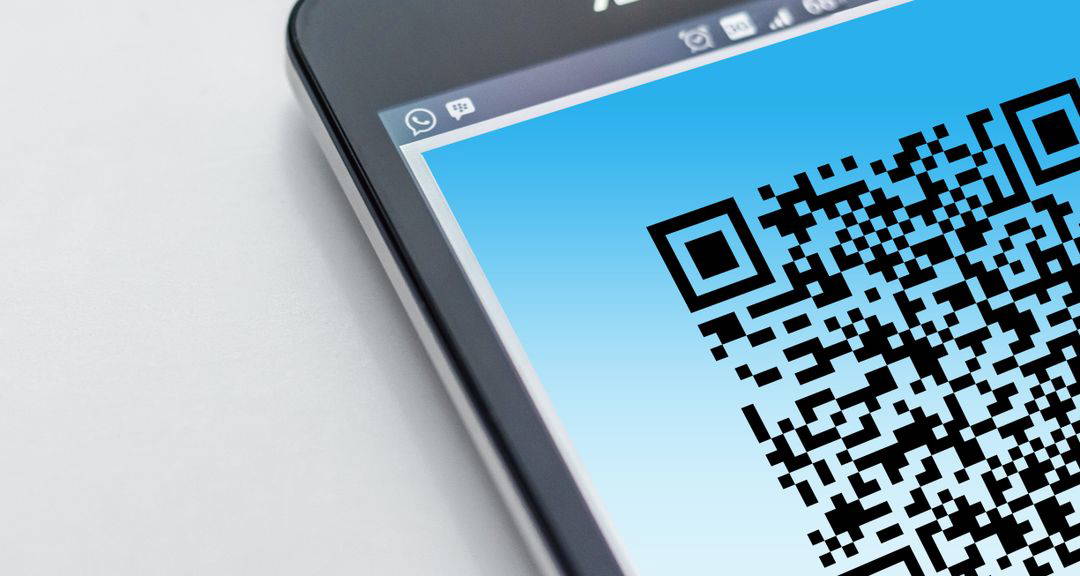
by Sophie Inkie | Aug 30, 2026 | news
For years, digital marketers have touted immediate click-through rates and detailed customer tracking as their exclusive domain. Meanwhile, physical print has continued to deliver something digital adverts simply cannot replicate: tactile authority, undivided...