CMYK vs RGB: A Light Touch Guide (Not a Lecture)
Here’s a conversation Print Lord has regularly, and it usually starts with a puzzled look when the printed flyers arrive.
“The colours aren’t what I expected. They looked different on my screen.”
They always do. And here’s why.
Your screen displays colour using light. Your printed materials use ink on paper. These are fundamentally different systems, and they produce colour in completely different ways. Understanding this isn’t about becoming a colour scientist. It’s about knowing why your vibrant screen design might print slightly differently, and more importantly, knowing that this is normal.
Let’s keep this simple, practical, and free of jargon that doesn’t help you.
RGB: How Screens Make Colour
RGB stands for Red, Green, Blue. These are the three colours of light that your screen combines to create every colour you see.
When you look at your laptop, phone, or monitor, you’re looking at tiny light sources. Red light, green light, and blue light, mixed in different amounts to create the full spectrum. When all three are at full brightness, you get white. When they’re all off, you get black.
This is called additive colour, because you’re adding light to create colours. More light equals brighter, more vivid colours. That’s why screen colours can look so punchy and saturated. They’re literally glowing.
Your Canva design lives in RGB world. It’s lit from behind, displayed on a device that can show incredibly bright, vivid colours. That’s the environment where you approve your design, choose your colours, and decide it looks perfect.
Then it goes to print, and everything changes.
CMYK: How Print Makes Colour
CMYK stands for Cyan, Magenta, Yellow, and Key (which is black, called K to avoid confusion with Blue).
Print doesn’t emit light. It absorbs it. When you look at a printed page, you’re seeing light from the room bouncing off paper and ink. The inks absorb certain wavelengths of light and reflect others back to your eye. That’s how you perceive colour.
This is called subtractive colour, because you’re subtracting wavelengths from white light. The more ink you add, the darker and less bright the result becomes. Pure white in print is simply blank paper with no ink on it. Black is all four inks combined (or just the black ink for text).
Print Lord uses CMYK because that’s what commercial printing presses work with. Four ink colours, combined in different amounts and patterns, create the full range of printable colours. It’s not magic, it’s ink dots so small you can barely see them individually, but your eye blends them into continuous colour.
Why Colours Shift from Screen to Print
RGB and CMYK have different colour ranges. Some colours that look brilliant on a backlit screen simply cannot be reproduced with ink on paper.
Bright, saturated blues often print darker and less vibrant. Neon colours lose their punch entirely, because they rely on that backlit glow to look electric. Very light pastels can shift slightly because paper texture and ink absorption affect how they appear.
This isn’t a printing fault. It’s not Print Lord cutting corners or your design being wrong. It’s physics. The two systems produce colour differently, and they don’t overlap perfectly.
The good news? Print Lord knows exactly where these shifts happen and how to manage them. We handle colour conversion professionally as part of every job. We’ve printed thousands of designs and we know which colours behave well and which ones need managing.
What This Means for Your Canva Designs
When you’re designing in Canva, you’re working in RGB. The colours you see are screen colours, lit from behind, displayed at maximum brightness.
When Print Lord receives your file and prepares it for print, we convert it to CMYK. That conversion is handled carefully, using professional colour management, to get the closest possible match between what you designed and what prints.
But “closest possible” doesn’t mean identical. Here’s what to expect:
Bright blues may print slightly darker. They won’t go muddy or wrong, but they won’t glow like they do on screen.
Neon and fluorescent colours won’t print as electric. If you need genuinely fluorescent ink, that’s a specialist job using different inks. Standard CMYK can’t replicate that glow.
Blacks may look slightly different. A rich black on screen might need extra ink in print to look properly deep. Print Lord handles this, building blacks properly so they look solid and professional.
Subtle gradients can change slightly. Very gentle colour transitions might band a bit in print, or shift in tone. This is rare with modern printing, but it can happen with extreme gradients.
The key point? Don’t panic when your print doesn’t look exactly like your screen. It’s not supposed to. Print has its own character, its own look, and when done properly, it looks fantastic. Just different.
Print Lord Handles the Technical Complexity
You don’t need to understand colour science. You don’t need to learn how to convert RGB to CMYK. You don’t need to manually adjust every colour in your design.
That’s Print Lord’s job. We receive your RGB file from Canva, we convert it to CMYK using professional colour management tools, and we make sure the result is as close as possible to your original vision.
If we spot any colours that are going to shift dramatically, we flag them and let you know before we print. If there’s a better way to achieve the look you want, we advise. If your design relies on a specific colour accuracy (like brand colours), we talk you through the options.
This is what two decades of experience brings. We’ve seen every colour issue imaginable. We know what works in print and what doesn’t. We know how to get the best result from your design, even when the physics of print and screen don’t quite align.
What You Can Do
While Print Lord handles the technical conversion, there are a few things you can do to make the process smoother and the results better:
Don’t rely on extreme colours. If your design uses the brightest, most saturated colours Canva offers, know that they’ll tone down slightly in print. That’s not wrong, it’s just how print works.
Avoid neon effects if they’re critical to your brand. Standard CMYK printing can’t replicate true neon. If that look is essential, talk to Print Lord about specialist options.
Test print if colour is critical. For jobs where colour accuracy really matters, or if you’re nervous about how it’ll look, Print Lord can run a test print so you see the result before committing to the full run.
Trust Print Lord’s advice. If we tell you a colour is going to shift, or suggest an adjustment, it’s because we’ve seen it before and we know what happens. We’re not being difficult, we’re saving you from disappointment.
Remember that print looks different in different lights. Printed materials viewed under warm artificial light look different to those viewed in natural daylight. That’s not a CMYK issue, that’s just how colour works in the real world.
Why This Matters Less Than You Think
Honestly? Most of the time, colour shift between screen and print isn’t a problem. Your design still looks good. Your brand is still recognisable. Your message still lands.
Print Lord sees clients worry about this far more than they need to. Yes, colours shift slightly. No, it doesn’t ruin your print. The shift is usually subtle, and most people viewing your printed materials have never seen the screen version anyway, so they’ve got nothing to compare it to.
What they see is professional print, with good colour, crisp detail, and a tangible quality that screen designs simply don’t have. Print has weight, texture, presence. Those qualities matter more than a slight colour shift that most people will never notice.
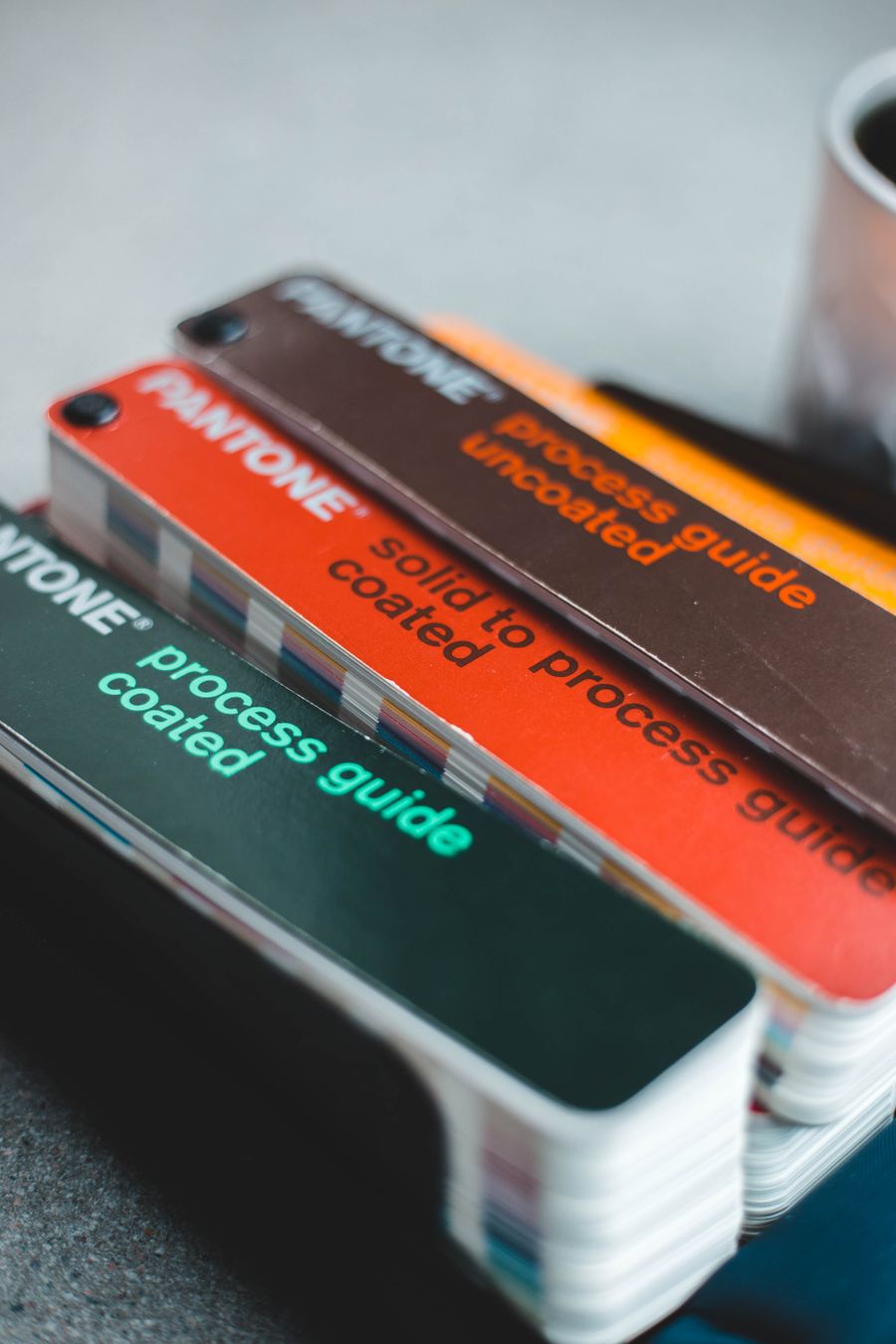
The clients who do need exact colour matching? They usually know they need it, and they work with Print Lord to specify Pantone colours or run colour proofs. For everyone else, standard CMYK colour conversion is perfectly fine and produces excellent results.
The Bottom Line
RGB is for screens. CMYK is for print. They’re different systems that produce colour in different ways.
Your Canva design will look slightly different when printed, and that’s normal. Colours may be a bit less bright, a bit less saturated, a bit less glowing. That’s because print doesn’t have a backlight, it has ink on paper.
Print Lord handles the conversion professionally. We manage colour carefully, we flag potential issues, and we make sure your print looks as good as it possibly can within the limits of the medium.
You don’t need to become a colour expert. You just need to know that screen and print are different, and that Print Lord bridges that gap for you.
Design in Canva. Let Print Lord handle the colour science. Get print that looks professional, on brand, and exactly as good as it should.
That’s the deal. Simple, practical, and no more technical than it needs to be.
Ready to see your Canva designs come to life in print? Print Lord handles all the technical complexity so you don’t have to. Get in touch and let’s make it happen.
On brand. On time. Every time.