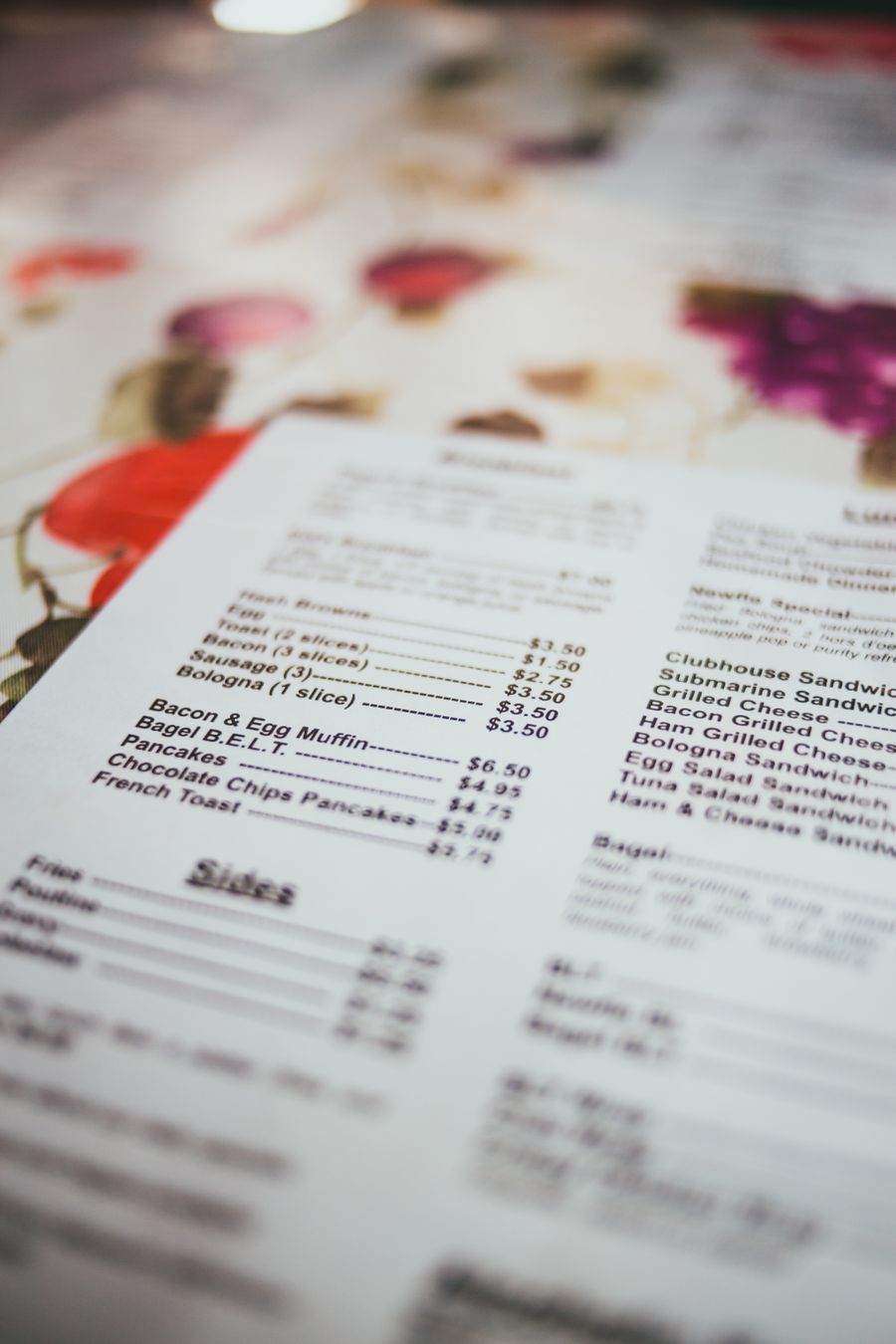
Menu Planning Made Simple: ChatGPT Prompts for Restaurant Print
If you run a restaurant, café, pub, or any hospitality venue, you already know your menu is more than a list of dishes. It is your brand on a page, your first impression, and often the difference between a customer ordering confidently or feeling confused and underwhelmed.
Yet despite how critical menus are, Print Lord has seen more menu disasters than we care to count. Menus crammed with tiny text that nobody over 40 can read. Menus with no clear sections, forcing customers to hunt for what they want. Menus where the specials board looked like an afterthought scribbled in Comic Sans.
The problem is rarely the food. It is almost always the planning, or lack of it. Most hospitality businesses jump straight into Canva, start dragging boxes around, and hope it all comes together. It does not. What you get is a cluttered mess that prints poorly, confuses customers, and makes your carefully crafted menu feel cheap.
The solution is simple. Plan your menu structure and content first, before you touch any design tool. ChatGPT is brilliant for this. It helps you think through what goes where, how to describe dishes clearly, and how to create a hierarchy that guides customers naturally through your offering.
Let Print Lord show you how.
Why Menu Planning Matters More Than You Think
A menu is a sales tool. When designed well, it directs attention to high-margin dishes, makes ordering easy, and reinforces your brand personality. When designed badly, it frustrates customers, slows down service, and wastes the potential of your best dishes.
Print Lord has printed menus for everything from fine dining restaurants to fish and chip shops. The ones that work have a few things in common. They have clear sections that make sense. They have descriptions that are informative but not overwhelming. They have visual breathing room. They use hierarchy so your eye knows where to look first.
The ones that do not work also have things in common. Too much text. No clear structure. Fonts too small to read comfortably. Every dish fighting for attention, so nothing stands out.
Planning with ChatGPT before you design prevents all of this. You get your structure sorted, your descriptions written, and your hierarchy defined before you start worrying about colours and fonts. The design becomes easy because the hard thinking is already done.
How to Use ChatGPT to Plan Your Menu Structure
Start by telling ChatGPT what kind of menu you are creating and who it is for. The more specific you are, the better the output.
Here is an example prompt for a table menu:
“Plan a table menu structure for a modern British pub serving lunch and dinner. Target audience is 30 to 60 year olds, mix of families and couples. Sections should include starters, mains, desserts, and sides. Suggest clear section headings and a logical flow. Keep descriptions concise and appetising without being overly flowery.”
ChatGPT will give you a structured outline. It might suggest starting with small plates or sharing options, then moving to mains divided by protein type (meat, fish, vegetarian), followed by sides and desserts. It will recommend headings and help you think about how customers naturally read a menu.
You can refine this further. Ask ChatGPT to suggest descriptions for specific dishes, keeping them to one or two lines. For example:
“Write a one-line description for a dish called ‘Pan-Fried Sea Bass’ that sounds fresh and appealing without using clichés like ‘succulent’ or ‘mouthwatering’.”
You will get something clean and effective, like: “Crispy-skinned sea bass with samphire, new potatoes, and lemon butter.”
That is menu copy that works. It tells you what you are getting, it sounds good, and it does not waste words.
Prompts for Different Menu Types
Different menus need different structures. A fine dining tasting menu has different requirements to a takeaway menu or a specials board. ChatGPT can help with all of them if you give it the right brief.
Table Menu Prompt:
“Create a structured table menu for a casual Italian restaurant. Sections: antipasti, pasta, pizza, mains, desserts. Target audience is 25 to 50 year olds. Descriptions should be clear and inviting, around 10 to 15 words per dish. Suggest a logical order and any notes about dietary options.”
Takeaway Menu Prompt:
“Plan a takeaway menu for a Thai restaurant. Keep it simple and scannable with clear sections: starters, curries, stir-fries, noodles, rice, sides. Include placeholder descriptions that highlight key ingredients and spice levels. Make it easy for customers to order quickly over the phone or online.”
Specials Board Prompt:
“Write content for a weekly specials board at a gastropub. Three dishes: one starter, one main, one dessert. Descriptions should be short, punchy, and create urgency. Mention seasonal ingredients where relevant. Target customers who want something different from the main menu.”
Drinks Menu Prompt:
“Structure a drinks menu for a wine bar. Sections: wines by the glass, wines by the bottle (grouped by style: sparkling, white, red, rosé), cocktails, spirits, soft drinks. For wines, include tasting notes in 5 to 8 words. Make it approachable, not intimidating.”
These prompts give you a framework. ChatGPT does the structural thinking so you can focus on making it look good in Canva.
Common Menu Print Disasters Print Lord Has Seen
Let Print Lord save you from the mistakes we see all the time.
Too much text. Customers do not read essays. If your dish description is four lines long, nobody is finishing it. One to two lines maximum. ChatGPT can help you cut the fluff and keep it punchy.
Poor hierarchy. Every dish should not be the same size and weight. Your hero dishes, specials, or high-margin items should stand out. Use headings, subheadings, and visual breaks. Plan this structure in ChatGPT before you start designing.
Unreadable fonts. If your menu font is smaller than 10pt, older customers will struggle. If it is a decorative script font, everyone will struggle. Plan your text in ChatGPT and keep readability in mind when you move to Canva. Print Lord has reprinted menus because the font was too small or too fancy to read under restaurant lighting.
No clear sections. Customers should not have to hunt for the vegetarian options or guess where desserts are. Clear section headings and logical flow matter. ChatGPT helps you structure this before design distracts you.
Cluttered layout. White space is not wasted space. If your menu is crammed edge to edge with text, it feels overwhelming. Plan lean content with ChatGPT, and your Canva layout will naturally have room to breathe.
Why This Matters for Print
A menu that works on screen does not always work in print. Print Lord has seen menus that looked fine on a laptop but were illegible on the table. Fonts were too small. Contrast was too low. Layout was too busy.
Planning your content with ChatGPT forces you to think about what actually needs to be on the menu, and how customers will read it in the real world. You are not designing for Instagram. You are designing for someone holding a piece of paper under restaurant lighting, possibly while holding a glass of wine and chatting to friends.
When you plan first, you catch the problems early. You realise you have too many dishes, or your descriptions are too long, or your sections do not flow logically. Fixing this in a ChatGPT conversation takes minutes. Fixing it after you have already designed the menu in Canva takes hours, and Print Lord still has to send it back because the text does not fit.
Plan first. Design second. Print perfectly.
Next Steps: From Planning to Print-Ready
Once ChatGPT has given you a clear structure and solid content, take that into Canva. You already know what sections you need, what order they go in, and what your descriptions say. The design becomes a matter of layout, fonts, and colours, not wrestling with content that does not fit.
And when you export that file, make sure it is PDF Print, with bleed, with safe margins, and with fonts that are readable at menu size. Print Lord will check it anyway, but getting it right from the start saves time, saves money, and ensures your menu looks as good in print as your food tastes on the plate.
Print Lord is here to make sure your menu prints perfectly, on brand, on time. But planning it properly first makes the whole process smoother, faster, and far less likely to end in heartbreak.
Plan your menu with ChatGPT. Design it in Canva. Let Print Lord handle the print. Simple, effective, and disaster-free.
At your service. On brand. On time.